Early in the year, you do not start from an empty project. You start from a game that already works, and you make it yours.
Today you download the Guessing Game to your laptop. You do not need a GitHub account yet.
Make a folder for your projects
Do this once, the first time.
Your projects must not live in a folder that syncs to iCloud Drive, Google Drive or Dropbox. That rules out your Desktop and Documents folders if iCloud syncs them. The software we use to keep versions of your work does not get along with sync services, and you can lose work. What is Source Control? explains why.
-
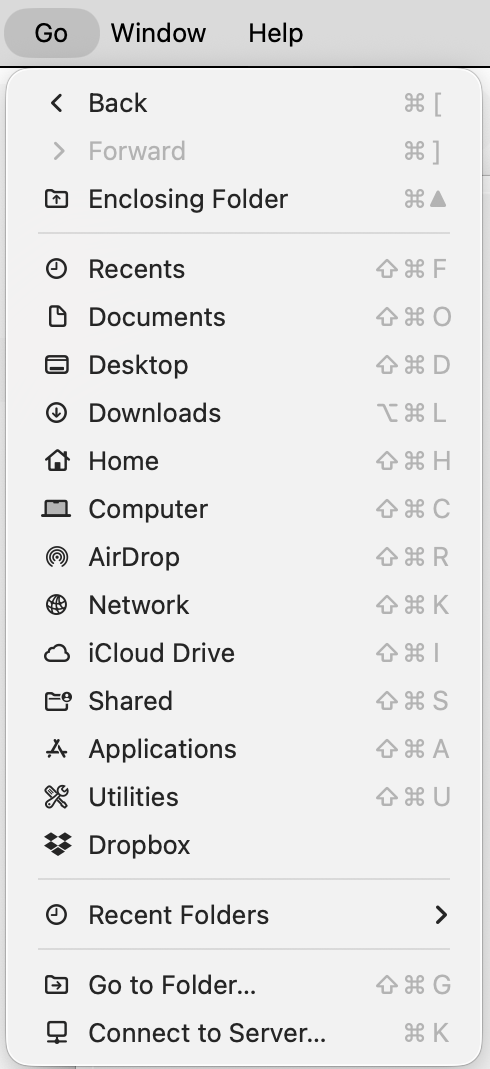
In Finder, choose Go > Home.
-
Choose File > New Folder, and name the folder
Computer Science. -
Drag the new folder into the Finder sidebar, under Favourites, so you can reach it in one click.
This short video shows the same idea:
Download the game
-
Click this link: Download the Guessing Game. The download starts right away.
-
Open your Downloads folder in Finder. In the Go menu, choose Downloads.
-
Look for a folder named
GuessingGame2027-main. If you see only a file namedGuessingGame2027-main.zip, double-click it to expand it into a folder. You may see both, like this: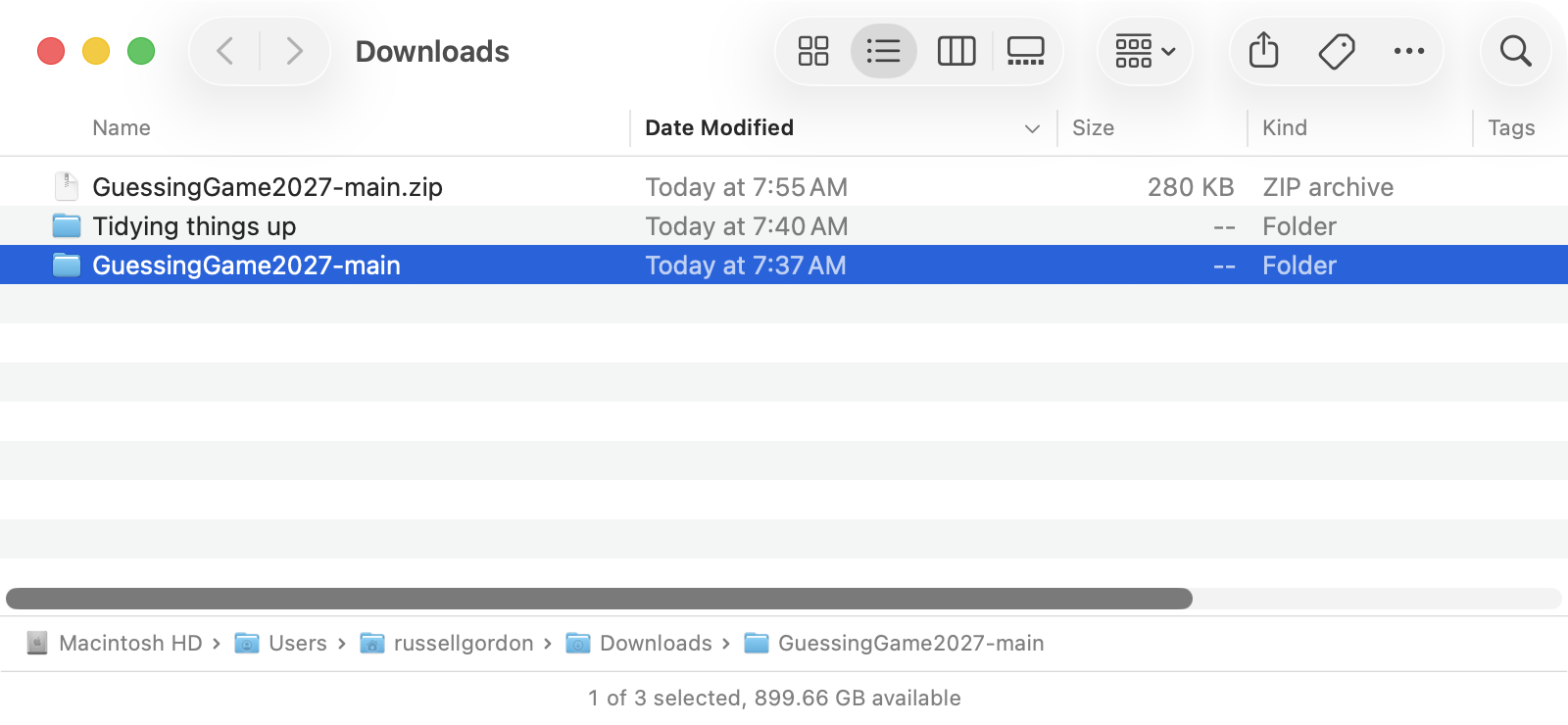
-
Click the folder once, press Return, and rename it to
GuessingGame. -
Drag the
GuessingGamefolder into your Computer Science folder. When you open Computer Science, it should look like this: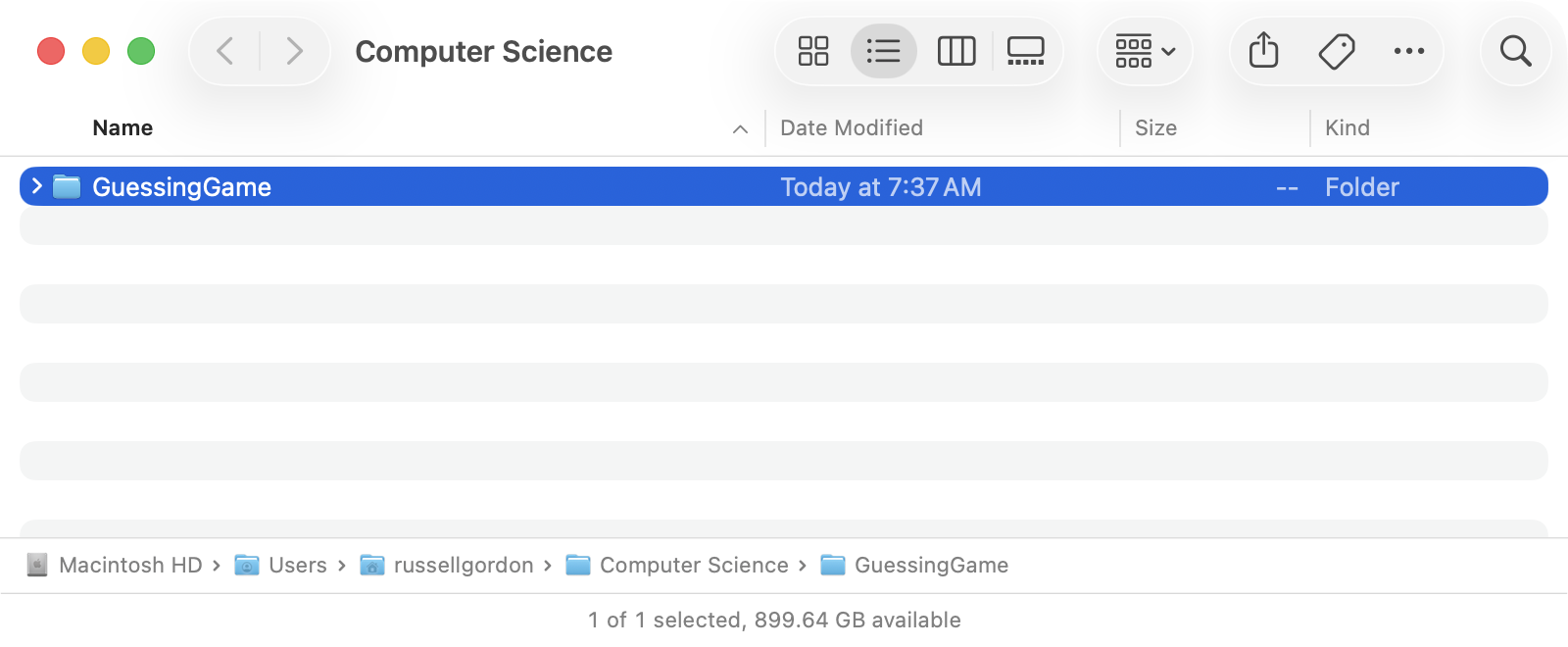
Open the game in Xcode
-
Open the
GuessingGamefolder in your Computer Science folder. It holds three things: a folder, the project file, and a README. -
Double-click
GuessingGame.xcodeproj, the file with the blue Xcode icon. Not the folder with the same name.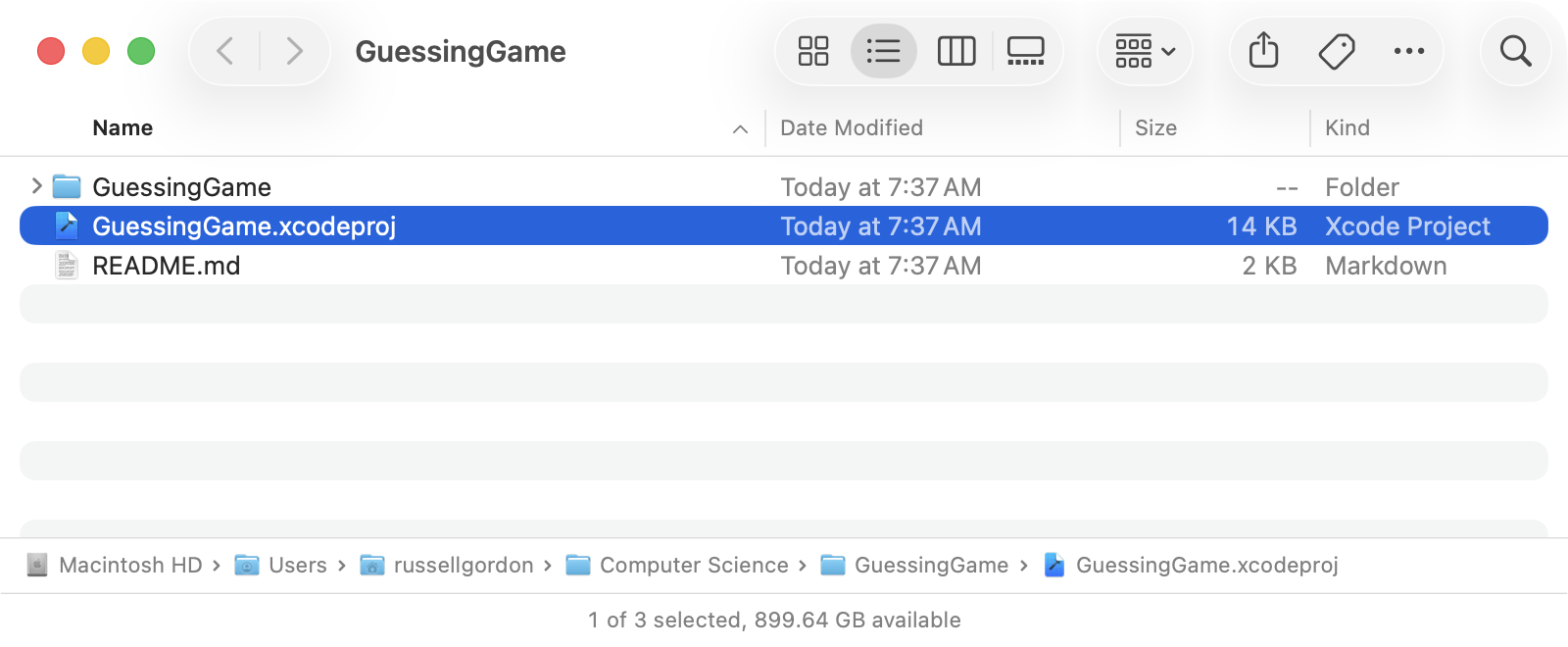
-
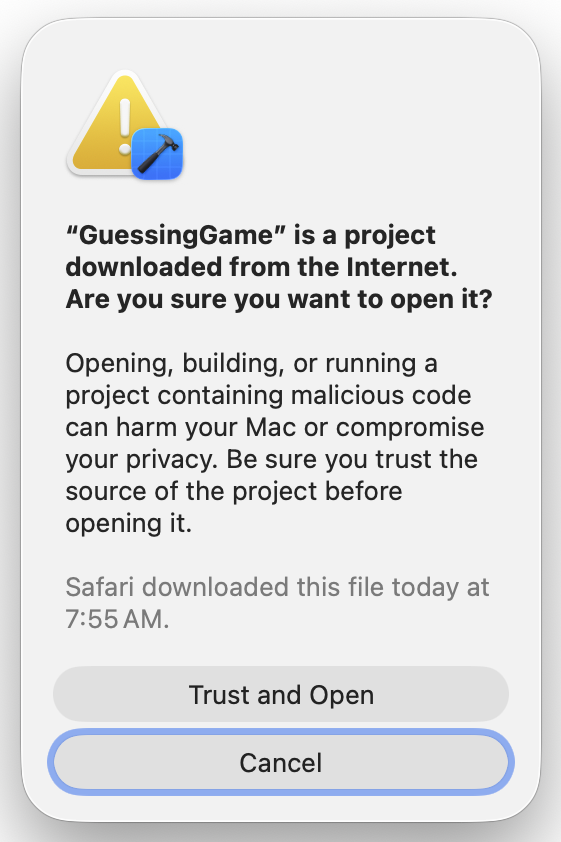
Xcode asks whether you trust the project, because it was downloaded from the Internet. Choose Trust and Open. It came from me, so you can trust it.
-
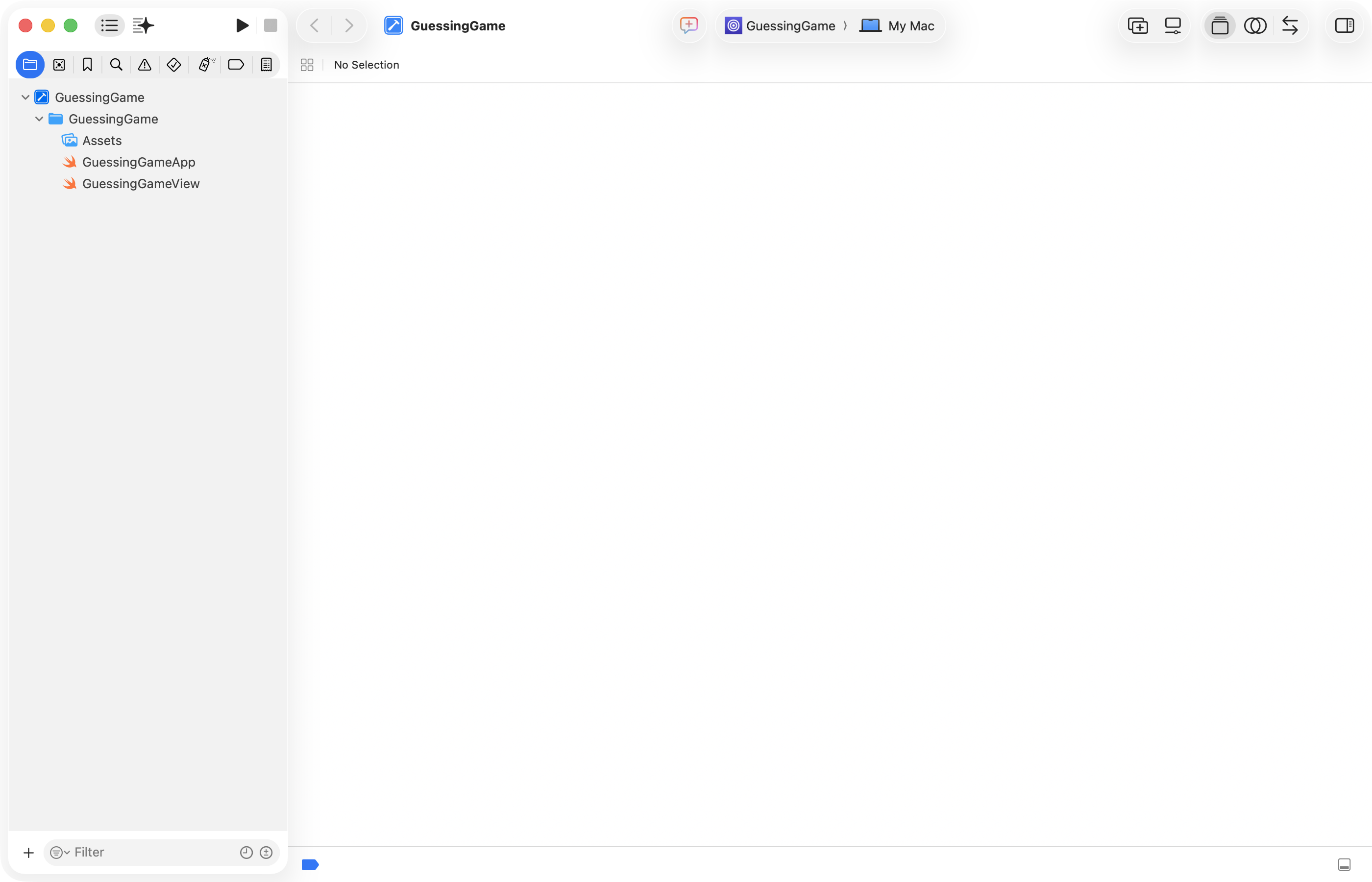
Xcode opens with your project. The list on the left shows its files. Nothing is selected yet, so the big area is empty. That is normal.
Test of success
- Your
GuessingGamefolder is inside your Computer Science folder, not in Downloads. - The Guessing Game is open in Xcode.
Next: Running Your Game.