GitHub is a website that keeps a copy of your projects on its servers, “in the cloud”. You will use it all year to copy games, and to back up every change you make. What is Source Control? explains why this matters.
TIP
GitHub changes its sign-up pages fairly often. What you see may look a little different from the picture below, but the key steps are the same.
Sign up
Please visit this page to sign up for GitHub. You will see something like this:
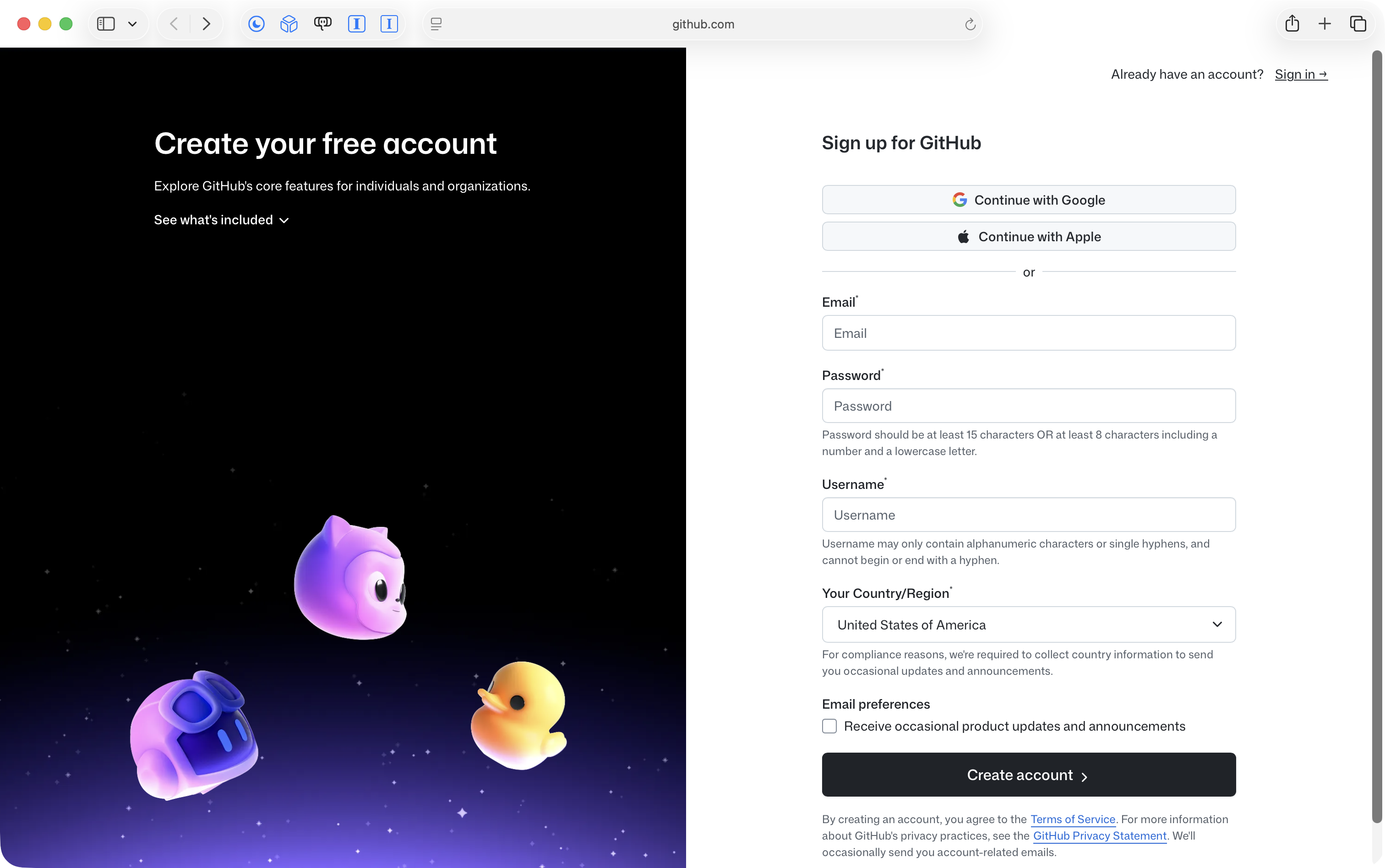
IMPORTANT
Follow the prompts given, but be sure to do two things:
Create the account with your LCS email address, using the Continue with Google button. Choose your LCS Google account, not a personal one.
When you choose your username, use this pattern:
lcs-, then the first letter of your first name, then your last name, all in lower case.For example, my name is Russell Gordon, so my username is lcs-rgordon.
This helps me find your code later on.
If GitHub says your username is already taken, add a number to the end, such as lcs-rgordon2, and tell me what you chose.
If GitHub asks for your country or region, choose Canada.
GitHub may send a code to your LCS email to check that the address is yours. Open your school email in another tab to find it.
GitHub may also ask you to set up extra security, such as a code from your phone, when you sign in. If it does, follow its steps, and ask me if you get stuck.
Test of success
- You can sign in to github.com and see your username, starting with
lcs-, when you click your picture in the top-right corner.
Next: Connect Xcode to GitHub.